You’re staring at a PDF bank statement, maybe it’s 50 pages, maybe it’s 500. Your job is to extract every transaction, categorize it, verify amounts, and get it into your accounting system. Manually. You know there has to be a better way than clicking, copying, and pasting until your eyes glaze over.
If that sounds familiar, nod once. Good. We’re on the same page.
This isn't about a vague "AI revolution." It’s about specific, practical techniques that turn a soul-crushing, error-prone chore into a clean, automated process. I'm going to walk you through exactly how modern AI tackles bank statement processing, where it shines, where it still stumbles, and most importantly; how you can start using it without needing a PhD in machine learning.
Let’s get into it.
The Golden Rule: From "Eyeballing It" to Structured Data
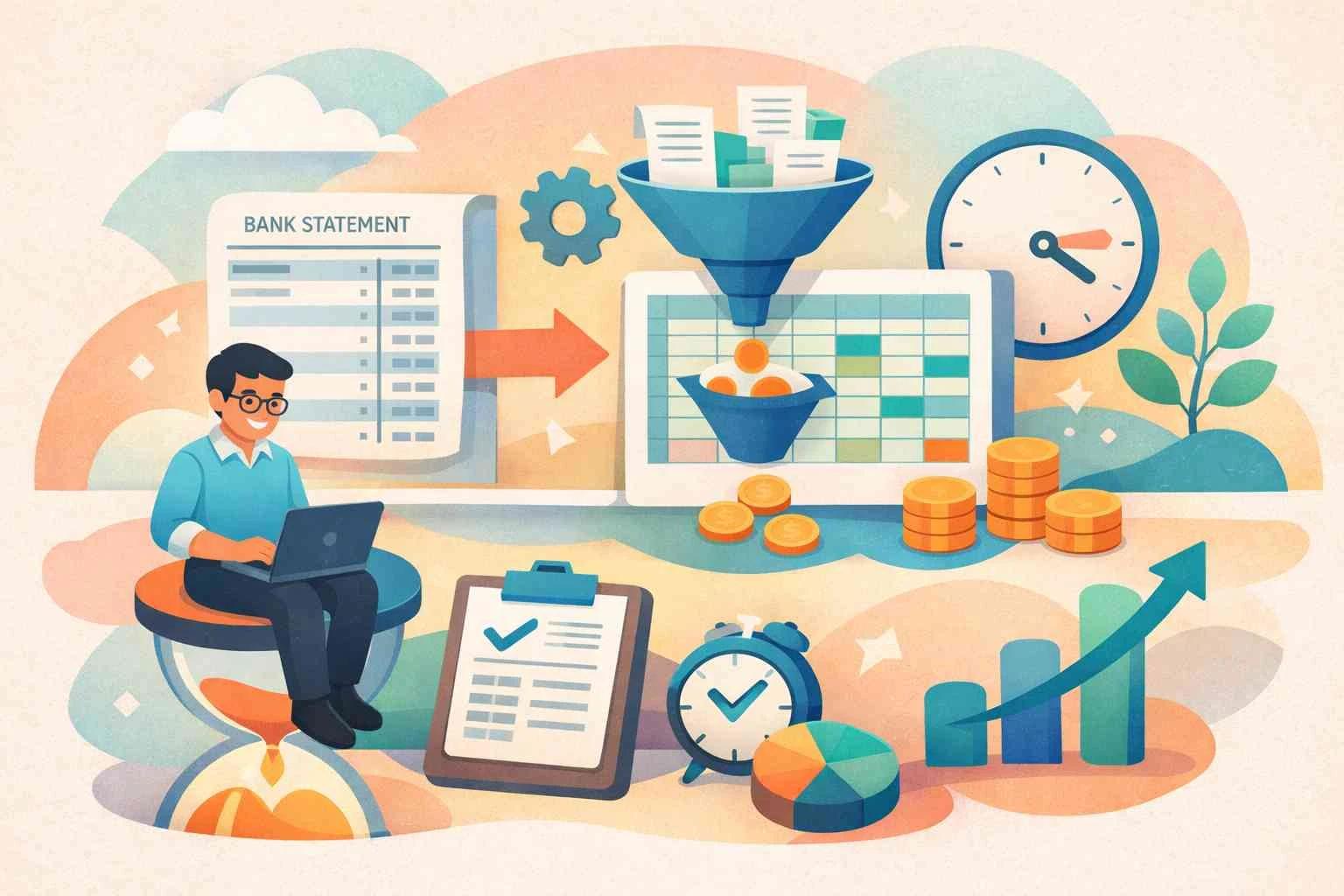
First, understand the core mission. A bank statement is a narrative. AI’s first job is to transform that narrative, full of tables, footnotes, and miscellaneous entries, into structured, queryable data.
The old way: You open a PDF, find the transaction table, and manually create a spreadsheet. The AI way: The system understands the document's layout, identifies the transaction section regardless of where it is, and pulls out each field (Date, Description, Debit, Credit, Balance) with precision.
Imagine a loan officer reviewing 12 months of business statements. Instead of printing and highlighting, they upload the files. In 60 seconds, they have a complete CSV with every transaction. They can instantly filter for "ACH" payments to verify payroll or sum all "Visa" entries to see total card spending.
Before you even look at an AI tool, audit your current process. How many statements do you process monthly? What’s the average time per statement? What’s your error rate (e.g., miskeyed amounts)? Write these three numbers down. This is your baseline to measure AI’s impact against.
The Workhorses: OCR + NLP (It’s Not Your Grandpa’s Scanner)
When people hear "AI for documents," they think OCR (Optical Character Recognition). But basic OCR is like a typist who doesn’t understand language, it gives you text, but no meaning. The magic happens when you combine it with NLP (Natural Language Processing).
- Advanced OCR (Computer Vision): This doesn’t just read characters; it understands the document's visual structure. It can distinguish a header from a footer, separate main transactions from bank fees, and ignore watermarks. For example, it knows that a number in the far right column under the "Withdrawals" heading is a debit, even if the PDF formatting is messy.
- NLP (Natural Language Processing): This interprets the text OCR provides. It reads a description like "POS DEBIT SQ *JITNEY JAVA 100021 NY" and understands the merchant is "Jitney Java," the location is "NY," and "SQ" likely means Square. It can standardize this to "JITNEY JAVA."
Real Scenario & Numbers: A property management company processes 200 tenant-paid rent scans monthly. Old OCR missed 5% of items or misread "8" as "3." A modern AI system using the combo above achieved 99.5% character accuracy on day one. The 2-3 hours per week spent on corrections vanished.
Common Mistake to Avoid: Don’t assume all OCR is the same. When evaluating a tool, feed it your messiest statement one with a vertical logo, a crowded transaction table, and tiny font. If it can handle that, it can handle anything.
The Secret Weapon: Context-Aware Entity Extraction
This is where it gets smart. Basic extraction pulls dates and amounts. Context-Aware Entity Extraction understands relationships.
Let’s say the statement has a deposit entry: "CD TRF 123456789." A simple tool extracts "CD TRF 123456789." A context-aware AI does more:
- It identifies "CD" as a Certificate of Deposit.
- It links "TRF" as a Transfer.
- It recognizes "123456789" as an account number, not an amount.
- Crucially, it looks at the surrounding data. If the balance jumps by $50,000, it can infer that the transfer amount was $50,000, even if the PDF only lists the net balance.
Another example: "INT PAY 01/31." It extracts "INT" as Interest, "PAY" as Payment, and "01/31" as the applicable date. It categorizes it automatically under "Bank Interest Income."
Test for context. Take a tool’s demo and input a statement with an international wire that includes fields for "SWIFT Code," "BIC," and "Beneficiary Info." Does it extract and label each distinct entity correctly, or does it dump all text into a "description" field? The latter is a red flag.
The Validation Layer: Automated Reconciliation
This is the final, killer app. AI doesn't just extract data; it can check it against other systems.
How it works:
- AI extracts all transactions from the statement.
- It pulls the expected transactions from your accounting software (e.g., QuickBooks, Xero) or internal ledger.
- Using fuzzy matching (not just exact amounts/dates), it pairs transactions.
- It presents you with three lists:
- Matched (green, no action needed).
- Unmatched Statement Items (possible omissions in your books).
- Unmatched Ledger Items (possible payments not yet cleared).
Real Numbers Impact: A financial controller for a mid-sized firm spent 8-10 hours monthly on reconciliation. After implementing AI-driven matching, 85% of transactions were auto-matched with high confidence. Their job became reviewing the 15% exception list, cutting the task down to under 90 minutes. That’s a direct ROI on time and sanity.
Putting It All Together: A Day in the Life (The Before & After)
The Old Way (The Frustration): Sarah, a bookkeeper, downloads 25 client statements. She opens each PDF, scrolls to find the transaction table, copies it, and pastes it into a template. She spends hours fixing formatting errors, Googling obscure merchant codes, and manually applying categories. A statement with 300 transactions takes her 45 minutes. She’s exhausted, and a typo on line 297 slips through.
The AI-Assisted Way (The Flow):
- Upload: Sarah drags all 25 PDFs into a platform like AIBankStatement.
- Extraction & Categorization: In 5 minutes, the AI processes everything. It’s used context-aware extraction to pull clean data and applied intelligent categorization based on Sarah’s past corrections.
- Review & Exception Handling: Sarah opens a dashboard. She sees 92% of transactions are auto-categorized with high confidence. She focuses her 20-minute review on the 8% flagged for low confidence or anomalies.
- Export & Reconciliation: She clicks "Export to QuickBooks." The system pushes the categorized transactions and automatically performs a preliminary reconciliation, flagging only 12 items for her to investigate.
Sarah’s 45-minute task is now a focused 20-minute review. The mental fatigue is gone. The error rate plummets.
Your Clear Next Step
Stop manually wrestling with PDFs. Your time is worth more.
- Define Your Pain Point: Is it the extraction time, the categorization headache, or the reconciliation black hole?
- Try a Focused Test: Take your three most problematic statements from last month, the ones with weird formats, international transactions, or dense tables. Run them through a capable AI Bank Statement Converter like AIBankStatement offers this exact kind of focused, high-accuracy processing.
- Measure the Delta: How long did it take vs. your manual method? How accurate was the data? Did it catch details you might have missed?
The goal isn’t to replace your expertise. It’s to automate the obvious and empower you to focus on the insightful cash flow analysis, anomaly investigation, strategic planning. That’s where you add irreplaceable value.
Let the AI handle the tedium. You handle the business.