Let’s be honest: managing finances is rarely the most thrilling part of running a business. But it’s undeniably one of the most important. If you’re reading this, you’ve probably found yourself staring at a dense, multi-page PDF of your corporate credit card statement, wondering how on earth to turn that static data into something you can actually use. You’re not alone.
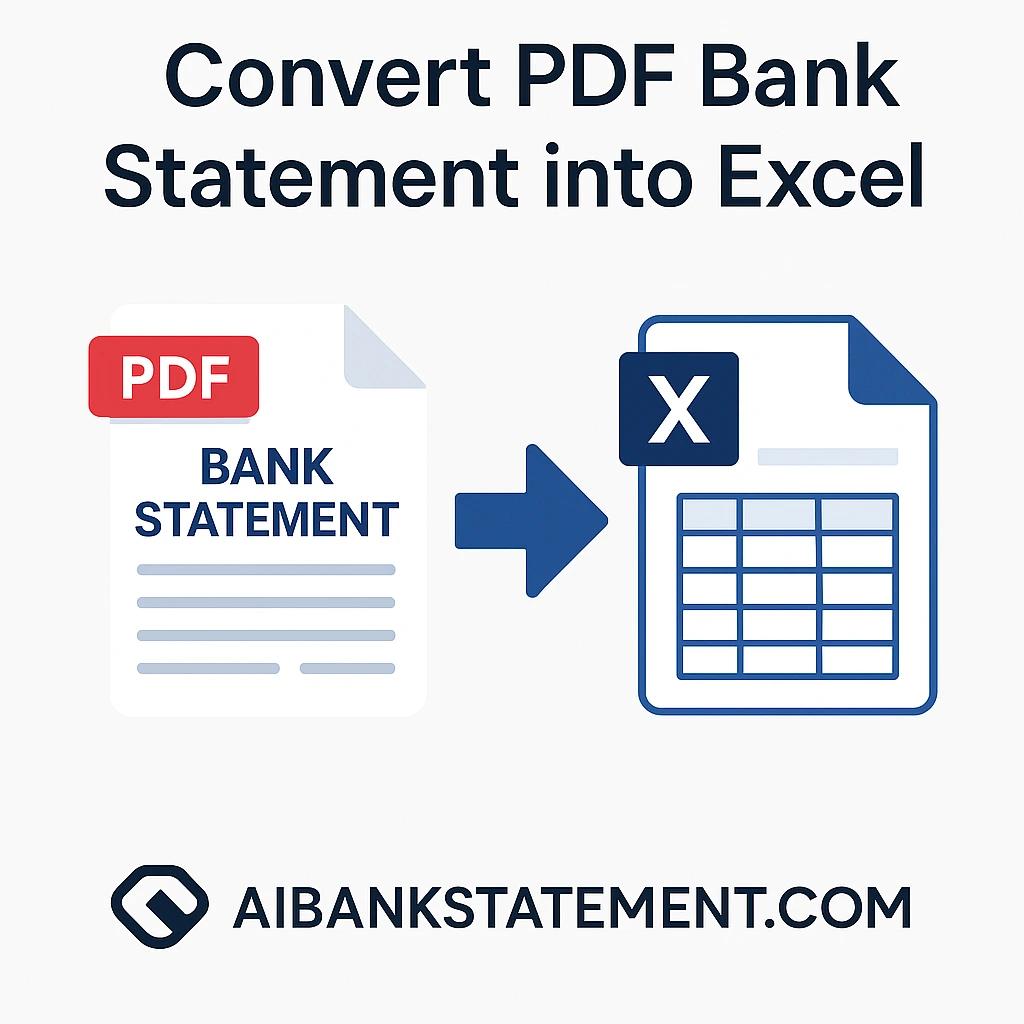
This guide is your friendly, step-by-step walkthrough on converting corporate credit card statements from PDFs into flexible formats like Excel, CSV, or JSON. We’ll break down the "why," tackle the common frustrations, and introduce you to the solution that will save you hours of headaches: a dedicated bank statement converter.
What Exactly Is a Corporate Credit Card Statement?
In short, it’s your financial snapshot. Each month, your bank or card issuer sends you a document (almost always a PDF) that lists every transaction made on the card during the billing cycle. This includes:
- Transaction Dates & Vendors: Where and when you spent money.
- Amounts: The cost of each purchase.
- Categories/Codes: Sometimes included, showing the type of expense.
- Fees & Interest: Any charges applied.
- Total Outstanding Balance: The amount due.
Think of the PDF statement as a "read-only" report. You can view it, but manipulating, analyzing, or integrating that data into other systems is a major challenge. It’s data trapped in a digital piece of paper.
Why Convert? The Critical Need for PDF to Excel/CSV/JSON Conversion
So why go through the trouble of converting a credit card statement PDF? Because static data is powerless. Dynamic data is where the magic happens.
-
For Excel Lovers: Excel is the universal language of analysis. Converting to Excel (XLSX) allows you to sort, filter, create pivot tables, calculate totals by category, and build custom spending dashboards. It’s perfect for manual reconciliation and ad-hoc reports.
-
For Automated Systems: The CSV (Comma-Separated Values) format is a simple text file that almost every accounting, bookkeeping, or expense management software (like QuickBooks, Xero, or Expensify) can import. It’s the bridge for automated expense tracking.
-
For Developers & Advanced Workflows: JSON is a structured data format beloved by developers. Converting your statement to JSON allows for seamless integration into custom business applications, databases, and advanced financial software, enabling real-time financial data analysis.
The core need is interoperability. You need your financial data to work with you, not just sit there.
The Pain Points: Why Manual Conversion is a Nightmare
Before we get to the solution, let’s validate the struggle. If you’ve ever tried to do this manually, you know the pain.
-
The Copy-Paste Catastrophe: Highlighting rows of data in a PDF and pasting them into Excel often results in a jumbled mess. All data might land in a single column, dates get formatted incorrectly, and merchant names split awkwardly. You spend more time cleaning than analyzing.
-
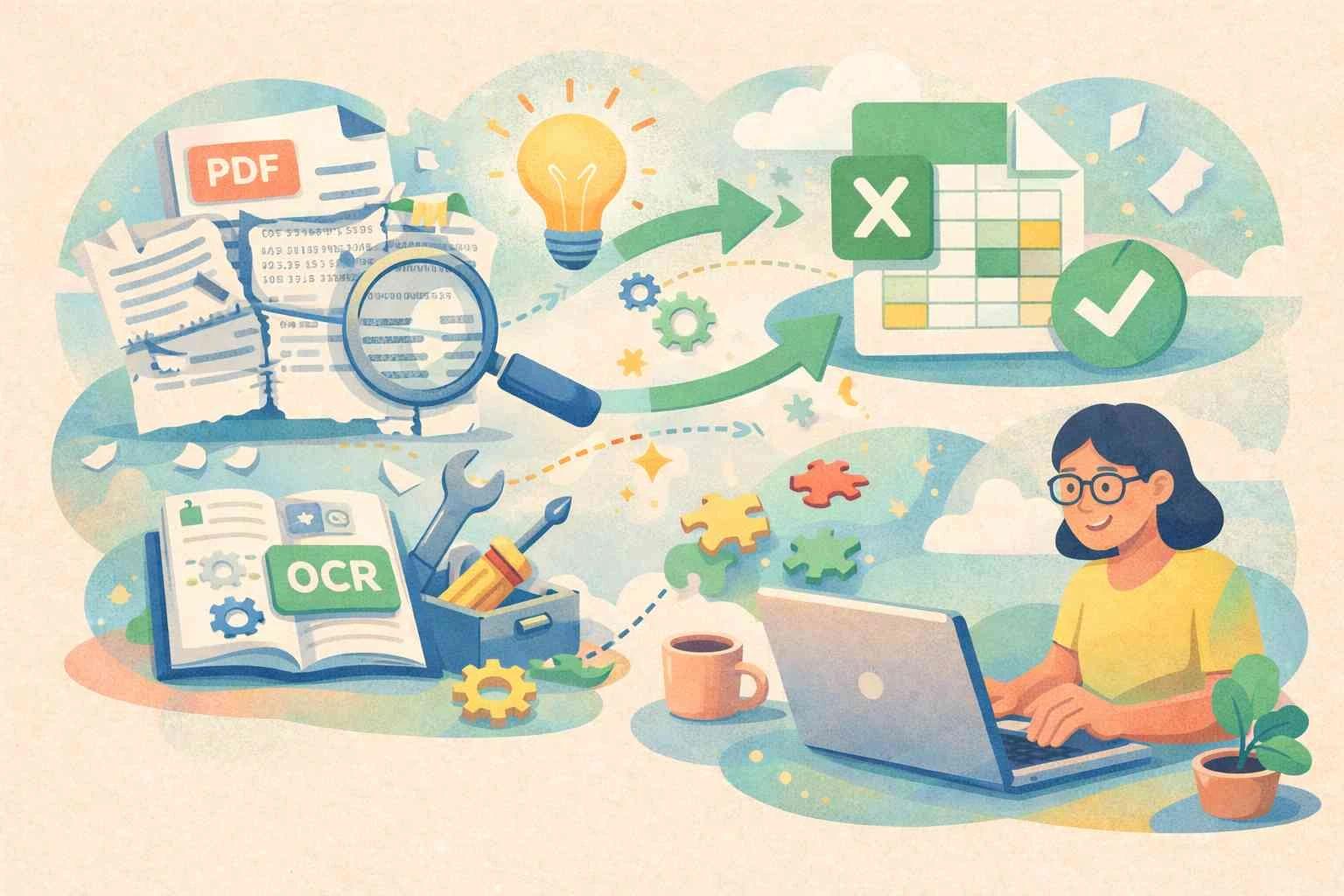
The Scourge of Scanned PDFs: Many bank statements are scanned images, not "digitally born" text. Optical Character Recognition (OCR) technology is required to read them, and manual retyping is a soul-crushing, error-prone task.
-
Time is Money (Literally): An employee spending hours each month manually transposing data is an expensive, low-value use of their skills. This is manual data entry drudgery at its worst.
-
Human Error: A single misplaced decimal point or misread vendor name can throw off your expense reconciliation, leading to inaccurate books, missed deductions, or even compliance issues during an audit.
-
Scale is Impossible: What works for one statement fails miserably when you have ten cards or need to process years of historical data for analysis. Manual methods don't scale.
Your Solution: How a Bank Statement Converter Works
Enter the hero of our story: the dedicated PDF to Excel converter for bank statements. This isn't your average file converter. It's a specialized tool designed to understand the complex layout of financial documents.
Here’s how a good credit card statement converter solves your problems:
-
Smart Format Recognition: It intelligently identifies tables, headers, and line items within the PDF, regardless of the bank's format (Chase, Amex, Citi, etc.). This is automated data extraction.
-
Built-in OCR: For scanned statements, it uses advanced OCR for bank statements to accurately "read" the text from the image, turning a picture of numbers into real, usable digits.
-
Structured Output: It doesn’t just dump text. It parses the data And outputs clean, organised columns in your chosen format, proper dates in date columns, amounts in number columns, and descriptions in text columns. This is financial data parsing.
-
Batch Processing: Need to convert multiple statements at once? Many converters offer batch conversion, handling a month’s or a year’s worth of files in one go.
The Game-Changing Benefits of Using a Converter
Switching from manual work to an automated statement conversion tool isn’t just a slight improvement; it transforms your process.
-
Save Massive Amounts of Time: What took hours is done in minutes. This is the most immediate and gratifying benefit. Reclaim that time for strategic analysis.
-
Achieve 99%+ Accuracy: Eliminate human typos and misreads. Your expense data accuracy is paramount for reliable financial reporting.
-
Simplify Reconciliation: Clean Excel or CSV files can be easily matched against receipts and accounting records, making credit card reconciliation faster and less stressful.
-
Gain Deeper Financial Insights: With data easily in Excel, you can quickly see spending trends, identify top vendors, and monitor budget categories. This is spending analysis made simple.
-
Ensure Audit-Readiness: Having well-organized, digital records of all transactions in a standard format makes internal or external audits a smoother, more transparent process. This is key for corporate card compliance.
-
Integrate Seamlessly: Feed perfect CSV files directly into your accounting software for automated bookkeeping, closing your books faster each month.
Your Actionable Guide & Final Advice
Ready to make the switch? Here’s your simple action plan:
-
Audit Your Current Process: How many statements do you process? How long does it take? Quantify the pain.
-
Define Your Needs: Do you need one-off conversions or bulk processing? Is OCR essential? Must it export to CSV for software integration?
-
Choose Your Tool: Research dedicated bank statement conversion software. Look for tools that mention financial document processing and support your bank’s format. Bank statement converters like Aibankstatement give highly accurate and tabled data extraction from PDF into Excel/CSV/JSON.
-
Implement and Streamline: Integrate the converter into your monthly financial workflow. Designate a person or a time to process all statements right after the billing cycle closes.
-
Level Up: Once data is in Excel, create a standard template with pivot tables or charts. Automate the import of CSV files into your accounting system.
Converting your corporate credit card statements isn’t about a technical file change. It’s about liberating your financial data. It’s about shifting your team’s focus from tedious data entry to impactful financial analysis that can guide business decisions.
Stop wrestling with PDFs. Start leveraging your data. Find a reliable converter this month, and you’ll wonder how you ever managed without it. Your future self - enjoying a quicker, error-free month-end close - will thank you.