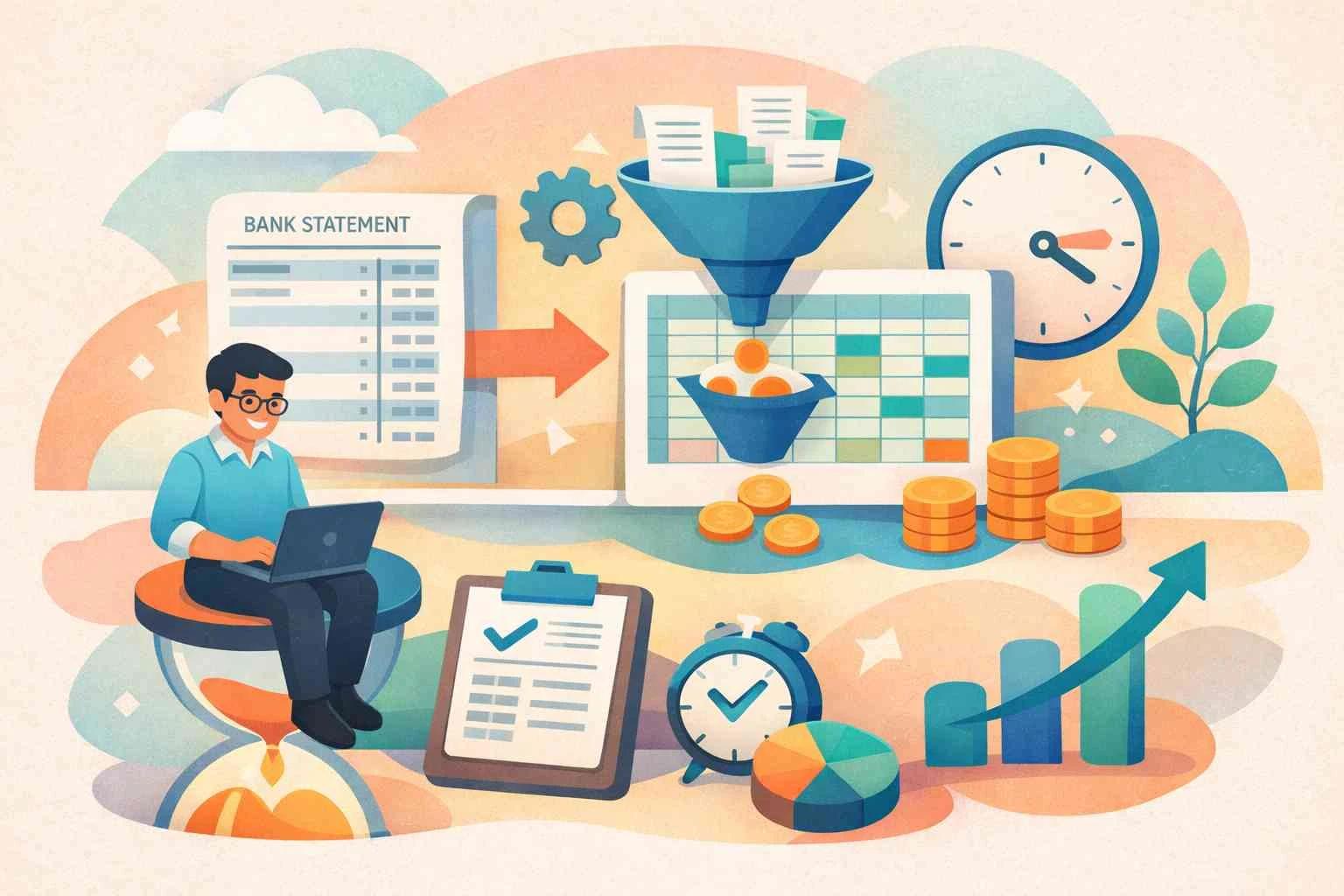
You just want a simple spreadsheet of your transactions. Your bank won't cooperate. Here's the exact workaround, no third-party access to your credentials, no screen-scraping apps. Just a PDF and two minutes.
It happens to thousands of people every week. You log into your bank's app or website, go looking for that "Export" or "Download CSV" button, and it just… isn't there. Or it's greyed out. Or it exports a file that opens as gibberish in Excel. Or worse, it only gives you a PDF.
If you've typed something like "bank won't export CSV workaround" into Google at 11pm, you're in exactly the right place. This guide explains why this problem happens, which banks are the worst offenders, and the clean, secure workaround that actually works.
Why Don't Banks Just Let You Export CSV?
You'd think this would be basic functionality. It is. And yet, a surprisingly large number of banks, particularly smaller credit unions, regional banks, and older national institutions, either don't offer CSV exports at all, or bury the option so deep it might as well not exist.
Here's the honest truth about why this happens:
Legacy core banking systems. Many banks run on software infrastructure that's 20–40 years old. Adding a "download CSV" button isn't as simple as it sounds. it would require custom development work on top of a fragile, outdated system. Many banks simply haven't prioritised it.
They want you in their app. The longer you stay inside a bank's own interface, the more financial products they can surface to you. Letting you export your data cleanly and take it elsewhere isn't necessarily in their short-term interest.
Compliance headaches. Exporting transactional data in certain formats can trigger internal compliance reviews. Some banks default to PDF because it's "read-only" and harder to manipulate, which suits their legal team, even if it frustrates you.
Sound familiar? "I've been trying to export my transactions to track my expenses for three months. The app just gives me PDFs. I called customer service and they said 'we don't support CSV at this time.' I nearly switched banks over it."
This kind of feedback is everywhere on Reddit, personal finance forums, and bank review sites. You're not alone, and you don't have to switch banks.
The Banks Most Commonly Cited for This Problem
While this issue can affect any institution, certain banks show up again and again when people search for CSV export workarounds. Smaller credit unions frequently top the list, as do older regional banks that haven't modernised their digital platforms. Even some well-known national banks limit CSV downloads to certain account types, charge-card holders, or premium tier customers.
The result is always the same: you can view your transactions on screen, but you can't get them into a spreadsheet without manually copying them one by one, which is obviously not an option when you have hundreds of transactions to analyse.
"Your bank will always let you download a PDF. That's the loophole, and it's the only one you need."
The Workaround: Upload the PDF Instead
Here's the thing almost nobody realises: every bank will give you a PDF bank statement. It's a regulatory requirement in most countries that banks must be able to provide you with a record of your transactions on request. That PDF is your workaround.
The old way was to open the PDF, manually copy transactions into a spreadsheet, and spend an hour cleaning up formatting. That's not a workaround, that's punishment.
The new way is to use an AI-powered PDF bank statement converter that reads your PDF and outputs a clean, structured CSV or Excel file, automatically, in seconds.
That's exactly what AIBankStatement is built to do. You upload your bank statement PDF. The AI reads every transaction, parses the dates, descriptions, debits, credits, and balances, and hands you back a perfectly formatted spreadsheet.
Step-by-Step: The PDF Workaround
-
Log into your bank and navigate to your account statements section. Look for "Statements," "eStatements," or "Documents."
-
Download your statement as a PDF. Choose the month or date range you need. Save the file to your device.
-
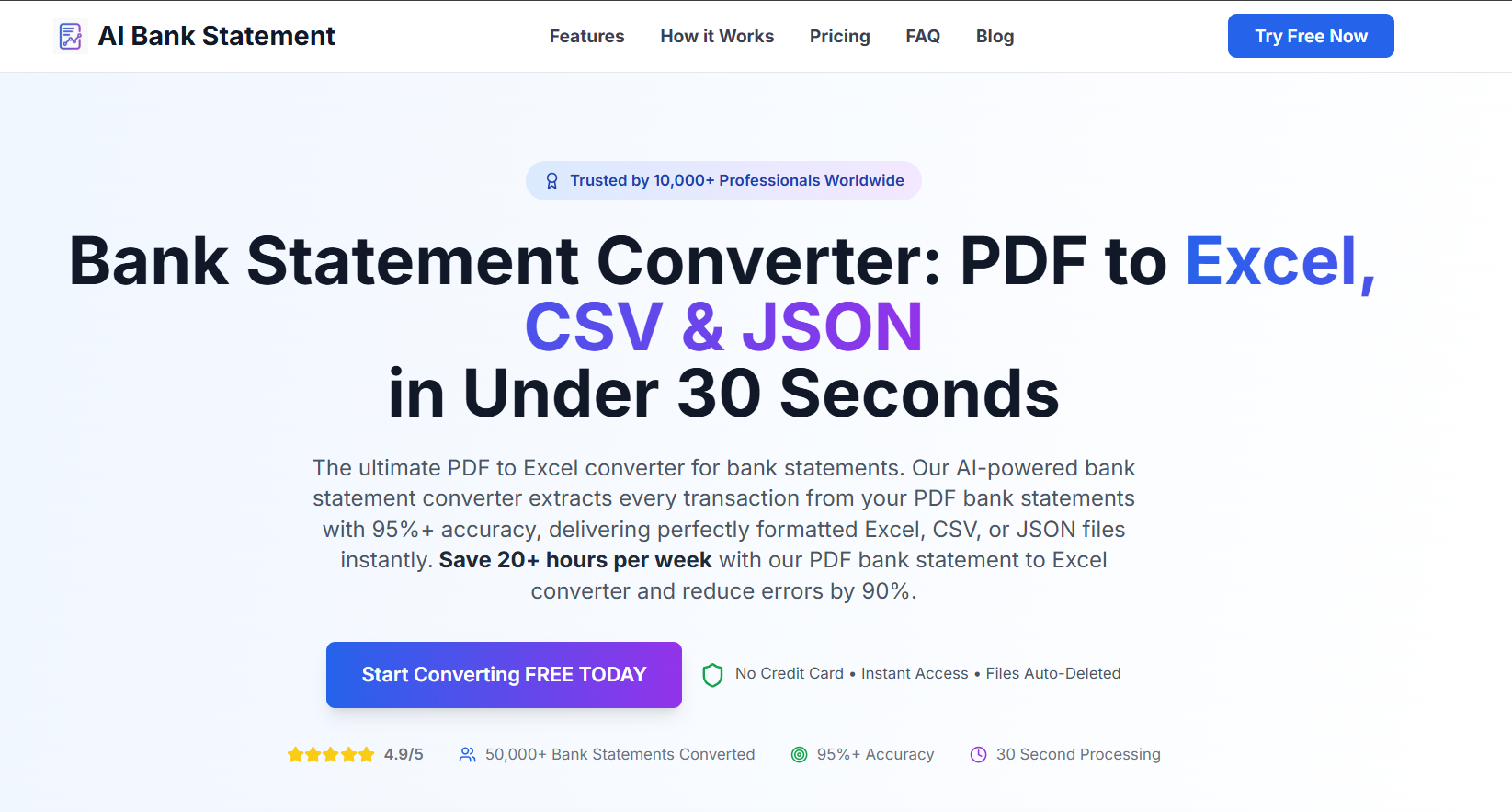
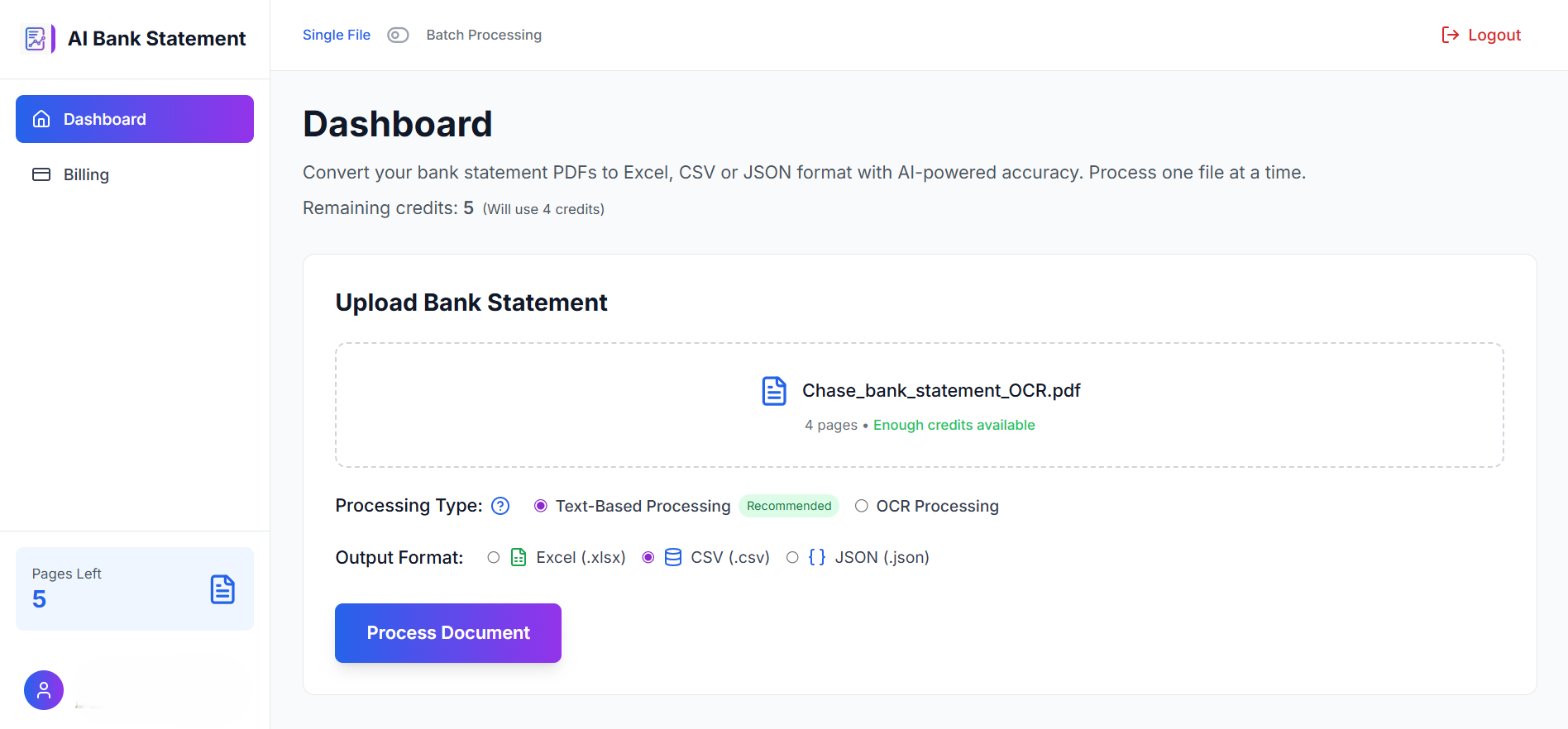
Go to AIBankStatement and click the upload button. Drop in your PDF file.
-
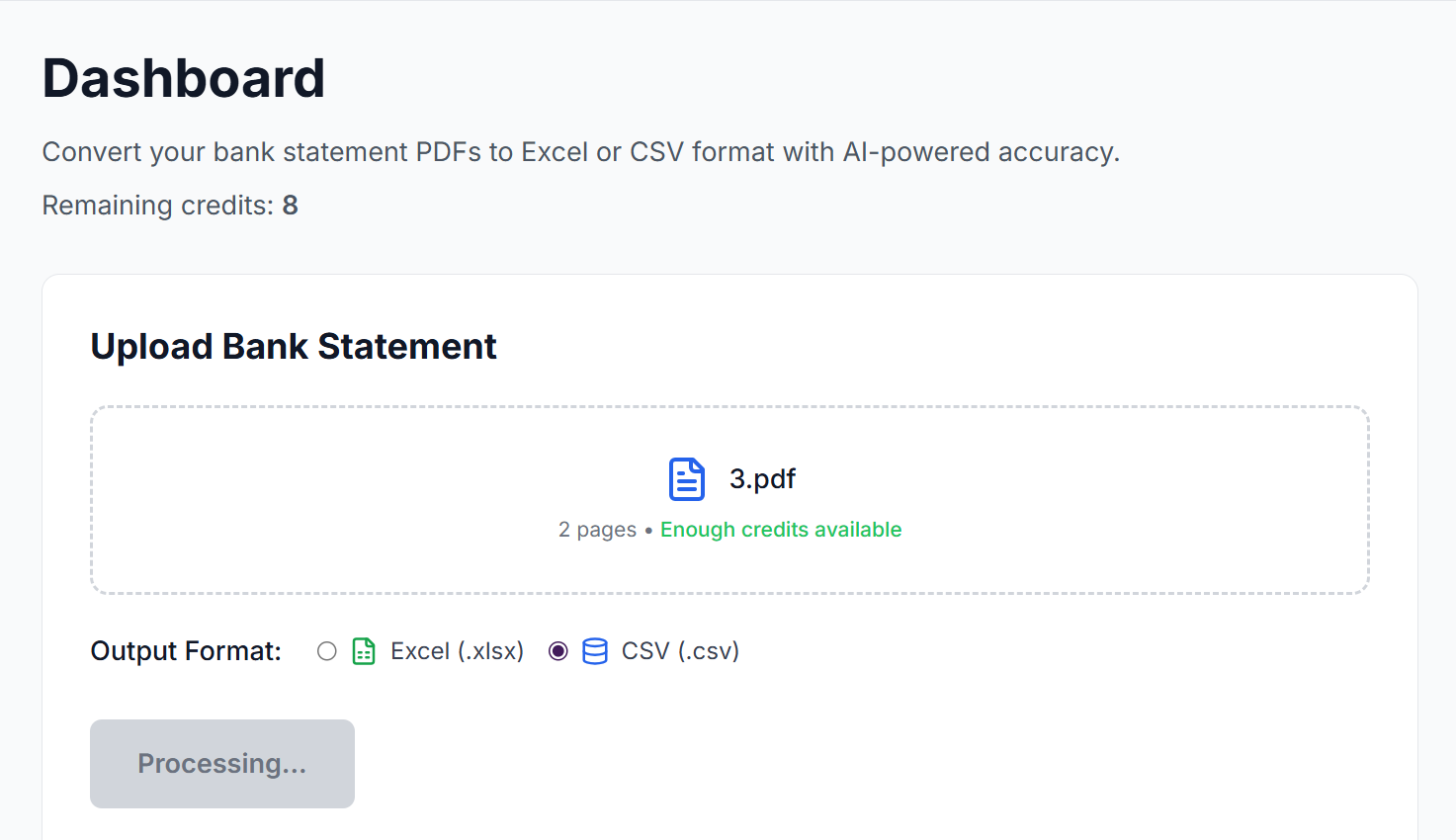
Wait about 10–30 seconds while the AI processes the document and extracts every transaction row.
-
Download your CSV or Excel file. Open it in Google Sheets, Excel, or any budgeting tool you prefer. Done.
Is This Safe? What About My Financial Data?
This is the right question to ask. Here's what makes the PDF approach fundamentally safer than most alternatives:
You never share your login credentials. Tools like Plaid or other account aggregators ask for your username and password (or connect via open banking). With the PDF method, there's no login, no screen scraping, no third-party sitting between you and your bank. You're just uploading a document.
PDFs are static documents. Unlike API access that can pull real-time account data, a PDF is a snapshot. Once converted, the connection ends. There's no ongoing access to your account.
At AIBankStatement, uploaded files are processed and deleted, they're not stored, sold, or used for any purpose beyond generating your download. You're in control of your data the entire time.
Who Actually Needs This? (More Than You'd Think)
The bank CSV export problem affects a wide range of people with very different needs:
-
Freelancers and self-employed professionals who need to reconcile income and expenses for quarterly tax filings, but whose bank only exports PDFs.
-
Small business owners who use accounting software like QuickBooks, Xero, or Wave and need transaction data in a format that actually imports correctly.
-
Personal finance enthusiasts who track spending in spreadsheets, use tools like YNAB, or build custom budgets, and need clean data to work with.
-
Mortgage and loan applicants who need to submit 3–6 months of bank statements for verification and want to cross-check figures without reading PDFs line by line.
-
Bookkeepers and accountants handling client accounts at banks that don't support proper data exports.
PDF to CSV vs. Other Workarounds: How Do They Compare?
| Method | Shares Login? | Speed | Works on Any Bank? | Cost |
|---|---|---|---|---|
| Plaid / Open Banking | ❌ Yes | Fast | ❌ Limited | Often paid |
| Manual copy-paste | ✅ No | ❌ Very slow | ✅ Yes | Free (your time) |
| Screen scraping tools | ⚠️ Sometimes | Moderate | ❌ Unreliable | Varies |
| Bank Statement Converter AIBankStatement | ✅ No | ✅ ~30 seconds | ✅ Yes | Paid plans |
Quick Tips for Getting the Best Results
For the cleanest conversion, download your official bank-generated PDF from the statements section, not a screenshot, and not a printed-then-scanned copy. Official PDFs contain machine-readable text that the AI can extract with near-perfect accuracy.
If you're uploading multiple months, download each statement as a separate PDF rather than combining them. You can always merge the resulting CSV files in a spreadsheet in under a minute.
Once you have your CSV, the real power kicks in: filter by merchant, tag by category, build pivot tables, connect to tools like Google Sheets or Notion databases, or import directly into accounting software. Your transactions are finally yours to work with.
The Bottom Line
If your bank won't let you export a CSV, you're not stuck, and you don't need to switch banks, hand over your login credentials, or spend hours copying data by hand. The workaround has been sitting in your statements section the whole time: your bank statement PDF.
Upload it, get your CSV, and get back to actually managing your money. That's what AIBankStatement is here for.
🔗 Ready to Try It?
Your bank gives you PDFs. We give you spreadsheets.
Upload any bank statement PDF and download a clean, structured CSV or Excel file in seconds. No login required. No data stored. Works with statements from any bank, anywhere.
→ Upload Your PDF Free at aibankstatement.com
FAQs
Q1: Why doesn't my bank offer a CSV download option?
A1: Most banks that lack CSV export are running legacy core banking systems that predate modern data portability expectations. Adding a CSV export requires custom development on top of fragile old infrastructure, and many banks simply haven't prioritised it. Some also intentionally limit data exports to keep you inside their own app ecosystem.
Q2: Is it safe to upload my bank statement PDF to a third-party website?
A2: Yes, provided the tool doesn't require your bank login credentials. With aibankstatement.com, you're uploading a static PDF document, not connecting to your bank account. There's no ongoing access, no credential sharing, and uploaded files are deleted after conversion. It's fundamentally safer than tools that ask for your username and password.
Q3: Which banks are most commonly known for not supporting CSV exports?
A3: Smaller credit unions and regional banks are the most frequent offenders, but the problem also affects customers at larger institutions where CSV export is locked behind premium account tiers or specific account types. If your bank's app only shows a "Download Statement" option that produces a PDF, you're affected.
Q4: Can I convert multiple months of statements at once? A4: The cleanest approach is to upload one monthly PDF at a time and then combine the resulting CSV files in a spreadsheet. This gives the AI clean, well-structured documents to work with and takes only a few extra minutes for a full year of data.
Q5: Will the converted CSV work with my budgeting or accounting software? A5: Yes. The CSV output from AIBankStatement follows a standard format: Date, Description, Debit, Credit, Balance, that imports cleanly into Excel, Google Sheets, QuickBooks, Xero, Wave, YNAB, and most other personal finance and accounting tools.