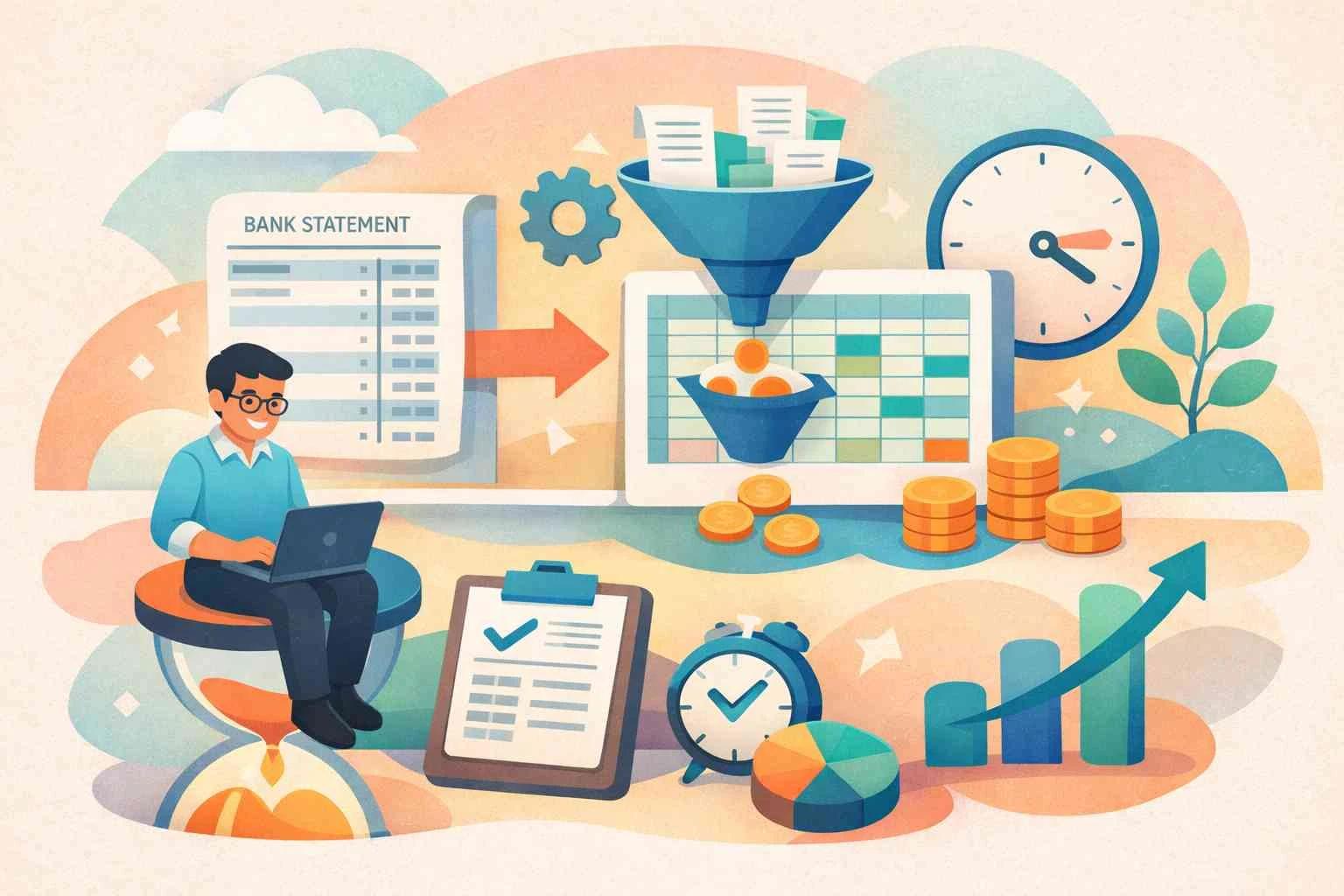
Financial auditors and accounting teams often struggle with bank statements in PDF format. Each month, firms can end up with dozens of pdf bank statements, each full of transactions. These PDF bank statements are hard to search, sort, or analyze. Manually copying numbers from a PDF into a spreadsheet wastes time and invites mistakes. Auditors and accountants need data they can work with, not locked in a static document. That’s why many finance professionals now use bank statement converters to automate the task of extracting transactions from PDFs.
Auditors and accountants need data they can work with, not locked in a static document. That’s why many finance professionals now use bank statement converters to automate the task of extracting transactions from PDFs. Modern ai powered bank statement converters use OCR and machine learning to extract data easily. Many use specialized bank statement converter tools to streamline their workflow.
The Problem: PDF Bank Statements Slow Down Audits
PDF bank statements are great for viewing on screen, but they create big headaches in the audit process. When each statement has a different layout, reconciling balances becomes tedious. Auditors cannot quickly filter or sum transactions inside a PDF. The team might have to retype every entry into Excel, which is error-prone and time-consuming. Simple mistakes like transposed digits or missed lines can throw off an entire financial audit. For busy firms, these problems mean paying staff to do boring manual data entry rather than analysis or compliance work.
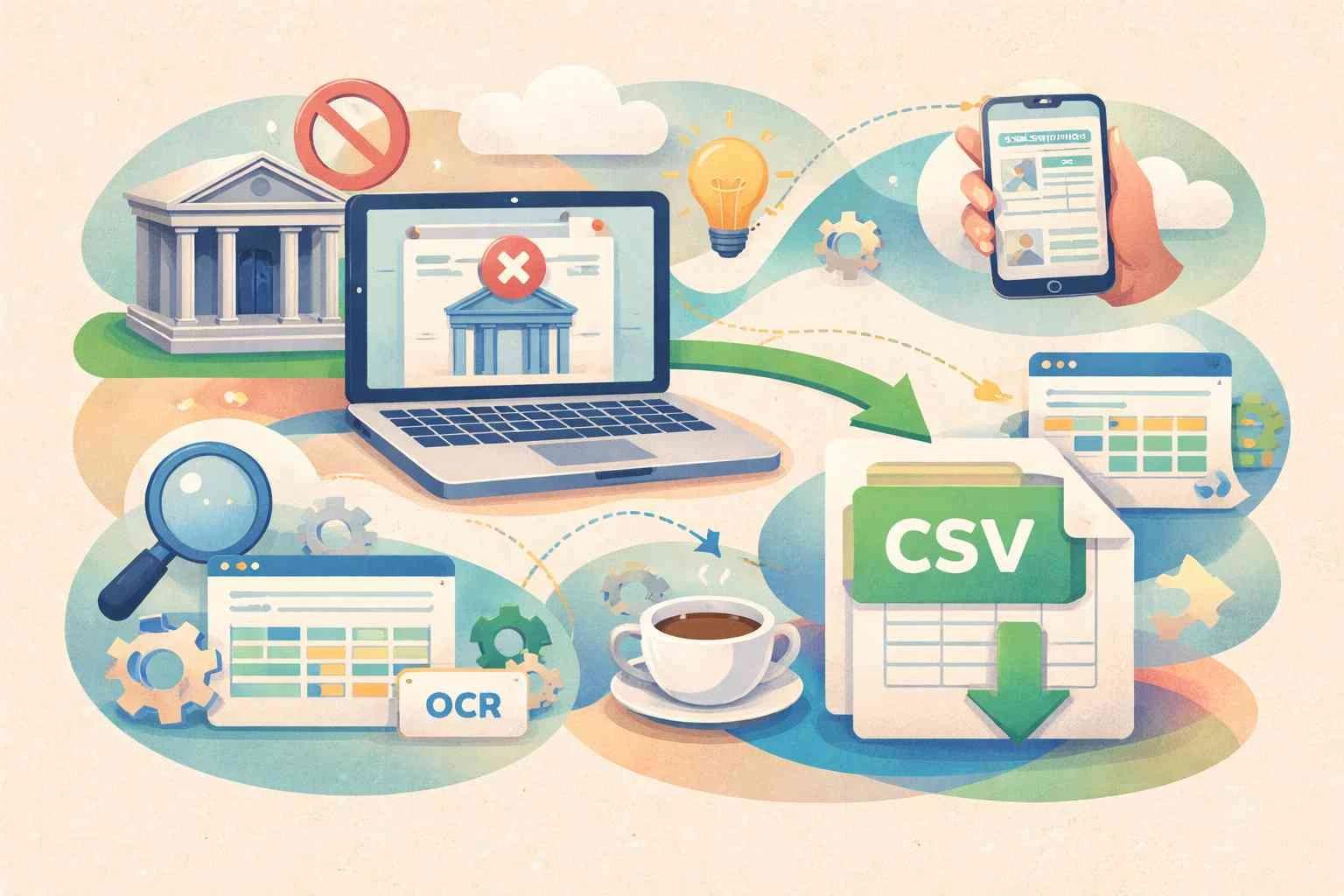
Another problem is that many bank statements are scanned images or secured PDFs. Basic copy-paste fails on these files, making data extraction a major challenge. Some PDF bank statements come locked or in formats that normal software cannot open fully. Different banks also format their statements in unique ways, so a one-size-fits-all approach doesn’t work. Auditing teams must spend extra effort adjusting to each bank’s style. In short, valuable time is lost converting pdf bank statements into usable data, which slows down audits and reporting.
The Solution: AI-Powered Bank Statement Converter
The good news is that modern AI tools can solve this problem. A bank statement converter tool can automatically read PDF bank statements and extract all the transaction data in moments. These tools use optical character recognition (OCR) and artificial intelligence to handle any layout or scanned image. Instead of typing, accountants simply upload a PDF file. Within seconds, the converter creates a clean spreadsheet. The output might be an Excel file, a CSV file, or even a JSON file for advanced integrations. In the end, auditors get a finished bank statements excel or bank statement csv file with every detail in place. With one click, our AI can convert a pdf bank statement to Excel or CSV in seconds.
For example, our service at AIBankStatement offers an AI powered bank statement converter tool designed for finance teams. You upload your PDF bank statements and our system processes them instantly. It supports any bank and country, including the US, UK, Europe, Australia and other countries. The AI recognizes transaction tables, dates, descriptions, and amounts with high accuracy. In the end, auditors get a finished bank statements excel or bank statement csv file with every detail in place. Modern bank statement converters add speed and insight to every audit. At AIBankStatement, we provide tools that turn any pdf bank statement into a clean spreadsheet quickly. This powerful solution helps professionals complete audits faster and more accurately.
Benefits of Automated PDF Bank Statement Conversion
• Time savings: Converting pdf bank statements with an automated tool saves hours of work. What used to take days of copy-pasting now happens in seconds. Auditing teams can batch upload dozens of PDF files and get instant Excel output. This frees up accountants to focus on analysis and review instead of repetitive data entry.
• Improved accuracy: Automation eliminates human typos and mistakes. The AI reads each number exactly as it appears on the PDF bank statements. Auditors using the converted data have confidence in their figures. Less manual entry means fewer errors to spot in the financial statements.
• Easy data analysis: Bank statement data in Excel or CSV becomes easy to work with. Teams can filter, sort, and run formulas on the data. In Excel, they can use pivot tables or charts to visualize spending and cash flow. CSV and JSON formats also allow quick imports into accounting systems or databases. Being able to handle data in a bank statements excel or bank statement csv file speeds up report generation and analysis.
• Consistency: Every PDF bank statement is turned into a uniform format. Even if each bank has a different PDF layout, the converter normalizes all of them into the same spreadsheet structure. Consistent output makes it simpler to compare multiple accounts or date ranges during an audit.
• Security and compliance: Top bank statement converter tools use encryption and do not store files long-term. Users at finance firms stay compliant because the service lets them trace every figure back to the original PDF. Having a clear digital trail in Excel, CSV or JSON form can actually strengthen audit documentation and compliance records.
Who Needs Bank Statement Conversion?
• Audit and Assurance: Audit firms and internal auditors rely on accurate transaction data. With PDF bank statements converted to Excel, they quickly reconcile accounts and verify balances. Automated conversion helps speed up financial audits and reduces review time.
• Accounting Teams: Accountants in any company can accelerate month-end closing. Converting bank statements to spreadsheets means less manual entry when creating financial reports or checking ledgers. It cuts down bookkeeping work, letting teams close books faster.
• Bookkeeping: Bookkeepers love the convenience of bank statement converter tools. Instead of manually typing deposits and withdrawals, they import data from the exported Excel/CSV files. This ensures company books always match actual bank activity.
• Financial Analysis: Financial analysts can use the converted data to perform trend analysis, budgeting, and forecasting. Having all transactions in Excel or JSON allows them to build dashboards and models easily. This turns raw bank statements into actionable insights.
• Fraud Detection: Auditors and risk teams can analyze transactions for anomalies. An exported CSV of transactions makes it easy to run scripts or visual checks. Spotting duplicate amounts, odd dates, or unusual patterns is much faster with data in spreadsheet form, helping auditors spot irregular transactions and potential fraud.
• Global Finance: Companies in the US, UK, Europe, Australia, and other markets use these converters to handle diverse bank formats. Our ai powered bank statement converter tool works with banks worldwide, so multi-national finance teams can standardize their process.
• System Integration: After conversion, the bank statement CSV or JSON can feed directly into ERP or accounting software. This automation links bank data with payroll, invoicing, or inventory systems without retyping information.
Conclusion
Using an AI powered bank statement converter is a game-changer for auditing and accounting. Automating the conversion of PDF bank statements into Excel, CSV, or JSON saves time, boosts accuracy, and makes data instantly usable. Finance professionals can avoid the frustrations of manual entry and focus on what really matters – analyzing the numbers and ensuring compliance. Modern bank statement converters add speed and insight to every audit. At AIBankStatement, we provide tools that turn any pdf bank statement into a clean spreadsheet quickly. This powerful solution helps professionals complete audits faster and more accurately.