Convert Credit Card Statementsto Excel, CSV & JSON
Turn PDF credit card statements into clean Excel, CSV, JSON, Xero or QuickBooks files in about 30 seconds. AI Bank Statement extracts every transaction with its date, merchant description and amount, so expense reports, reconciliations and bookkeeping start from a spreadsheet instead of a PDF.
Input
PDF credit card statement
Native and common bank PDF layouts supported.
Output
Excel, CSV or JSON
One transaction per row with date, description and amount, with charges and payments in separate columns where the statement shows them. Export to Excel, CSV, JSON, Xero CSV or QuickBooks CSV.
Built for expense reports, month-end card reconciliation, and bookkeeping for personal and corporate cards.
How Credit Card Statement Converter Works
Upload the PDF, let AI extract the transaction table, then download a clean Excel, CSV or JSON file.
Upload your PDF statement
Add one or more credit card statement PDFs. The converter works with statements from major banks and card issuers worldwide.
AI extracts transactions
Dates, descriptions, debit and credit amounts, and balances are detected and organized automatically.
Download Excel, CSV or JSON
Review and use your converted file in spreadsheets, accounting software, databases, or reporting workflows.
See the Conversion Flow
The same simple workflow powers PDF conversion to QuickBooks, Xero, Excel, CSV, and JSON.
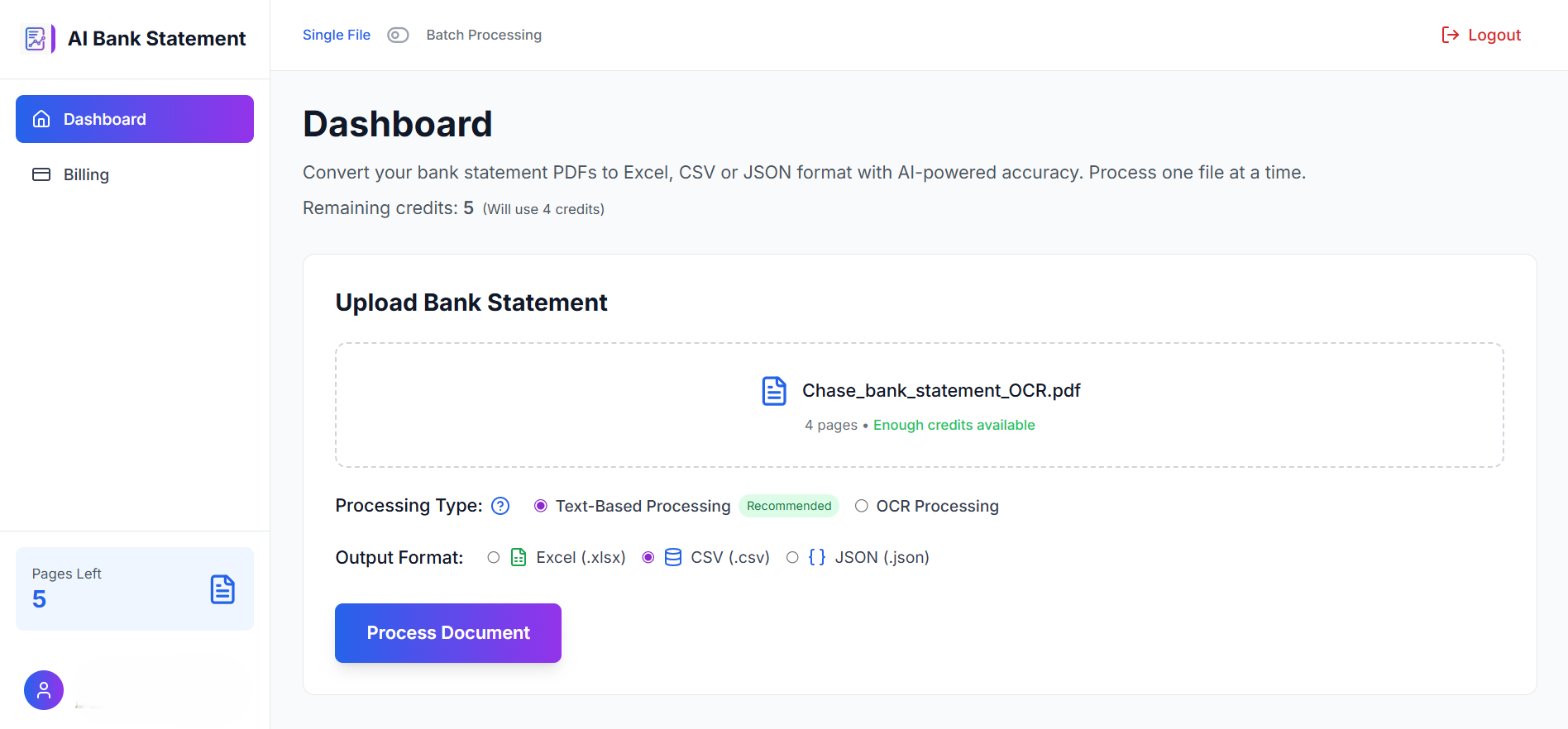
Upload your PDF
Drag in one statement or upload a batch of PDFs from any supported bank.
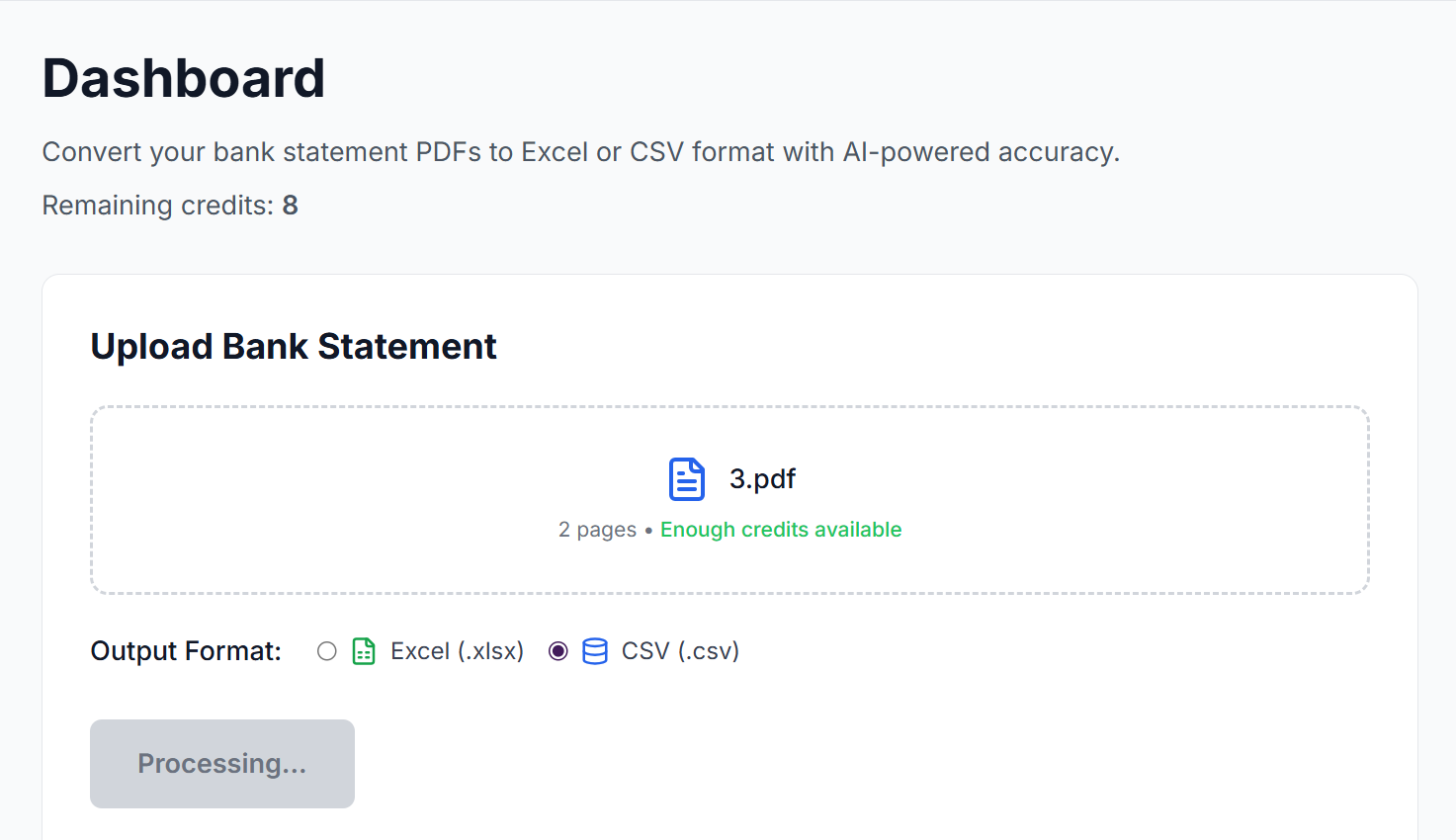
Select output format
Choose Excel, CSV, JSON, Xero CSV, or QuickBooks CSV before conversion.
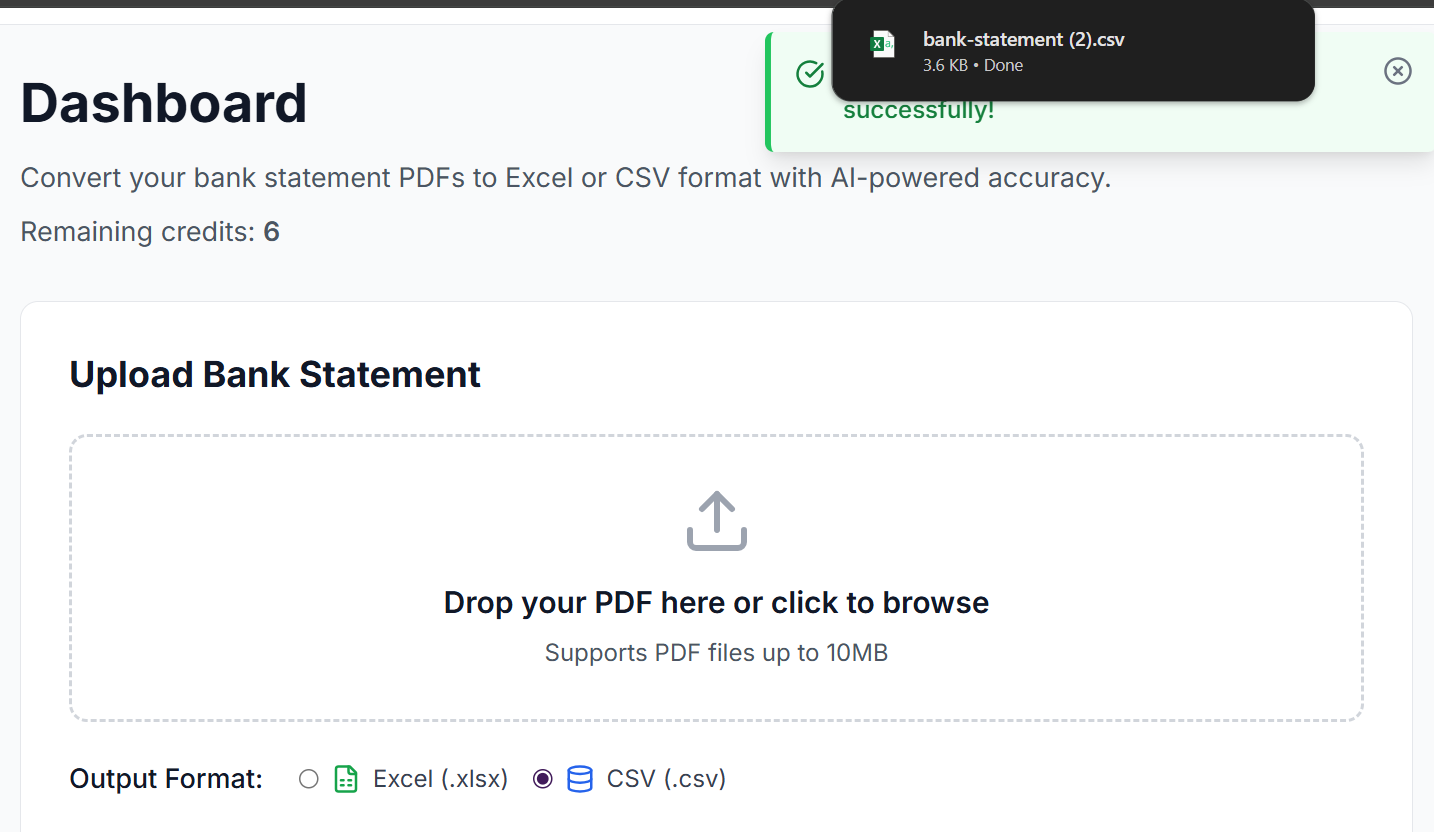
Download clean data
Get a structured file that is ready for review, import, or analysis.
Frequently Asked Questions
Practical answers about converting PDF credit card statements with AI.
Yes. Upload the PDF statement from your card issuer, choose Excel, and download a spreadsheet with one transaction per row, ready to sort, filter and total.
Yes. Choose CSV for spreadsheets and accounting tools, or JSON if you are feeding transactions into an app, script or data pipeline.
Yes. Personal, business and corporate card statements are converted the same way. Batch upload lets you convert several cards or months at once for month-end reconciliation.
Yes. Choose Xero CSV or QuickBooks 3- or 4-column CSV as the output, then import the file against the credit card account in your accounting software.
Yes. Dates and amounts are read in the statement's own format, so UK, European and US date orders and decimal separators come out correctly.
Ready to Convert Your Statement?
Stop rebuilding bank tables by hand. Upload a PDF and download clean Excel, CSV or JSON data in seconds.