Convert PDF Bank Statementsto QuickBooks CSV
Turn PDF bank statements into clean QuickBooks 3-column or 4-column CSV files in under 30 seconds. AI Bank Statement extracts dates, descriptions, deposits, withdrawals, and balances so your transactions are ready for QuickBooks import.
Input
PDF bank statement
Native and common bank PDF layouts supported.
Output
QuickBooks CSV
Choose QuickBooks 3-column or 4-column CSV output with clean transaction rows, normalized dates, and separated money-in and money-out values.
Designed for accountants, bookkeepers, and business owners preparing bank feeds for QuickBooks.
How PDF Bank Statement to QuickBooks Works
Upload the PDF, let AI extract the transaction table, then download a clean QuickBooks CSV file.
Upload your PDF statement
Add one or more bank statement PDFs. The converter works with statements from major banks worldwide.
AI extracts transactions
Dates, descriptions, debit and credit amounts, and balances are detected and organized automatically.
Download QuickBooks CSV
Review and use your converted file in spreadsheets, accounting software, databases, or reporting workflows.
See the Conversion Flow
The same simple workflow powers PDF conversion to QuickBooks, Xero, Excel, CSV, and JSON.
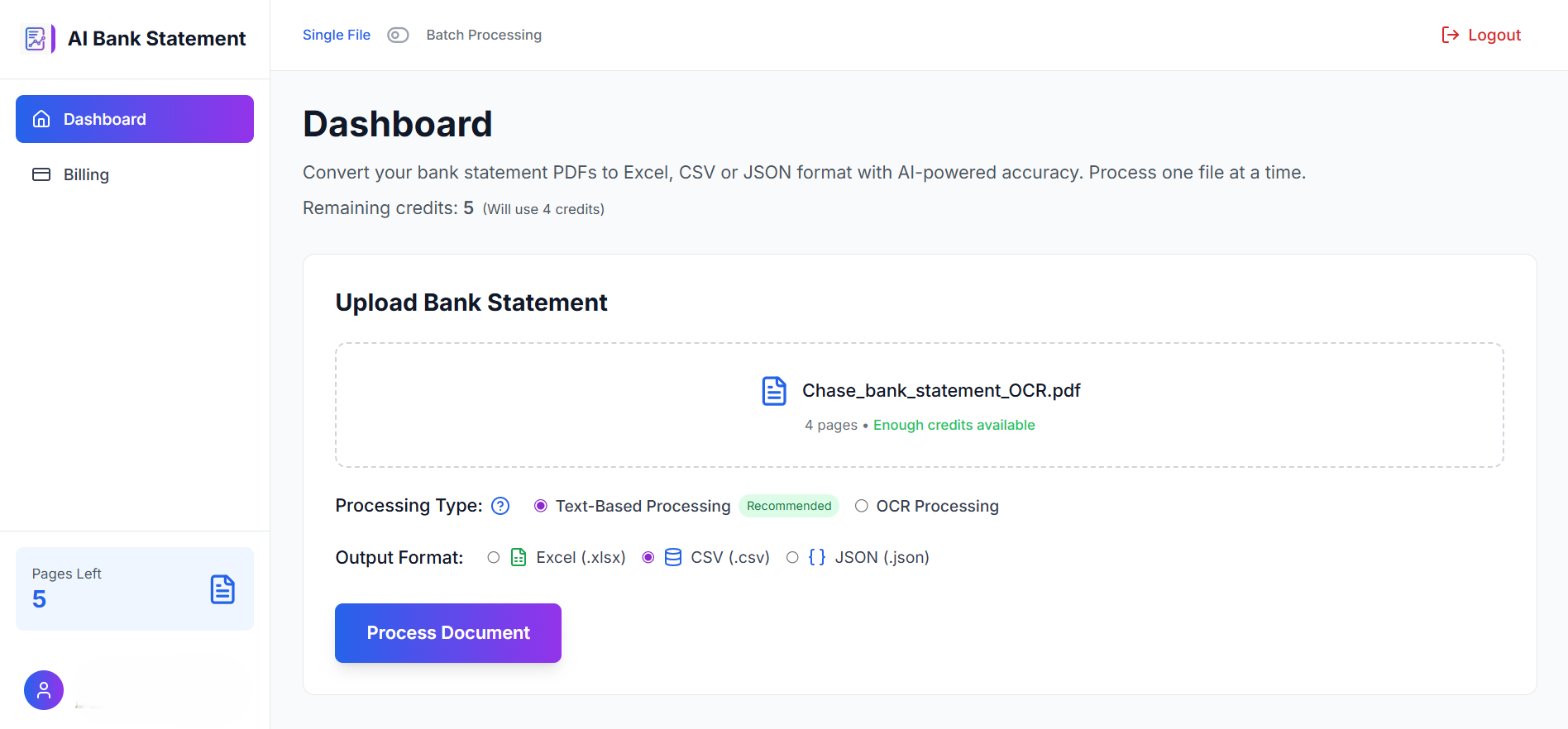
Upload your PDF
Drag in one statement or upload a batch of PDFs from any supported bank.
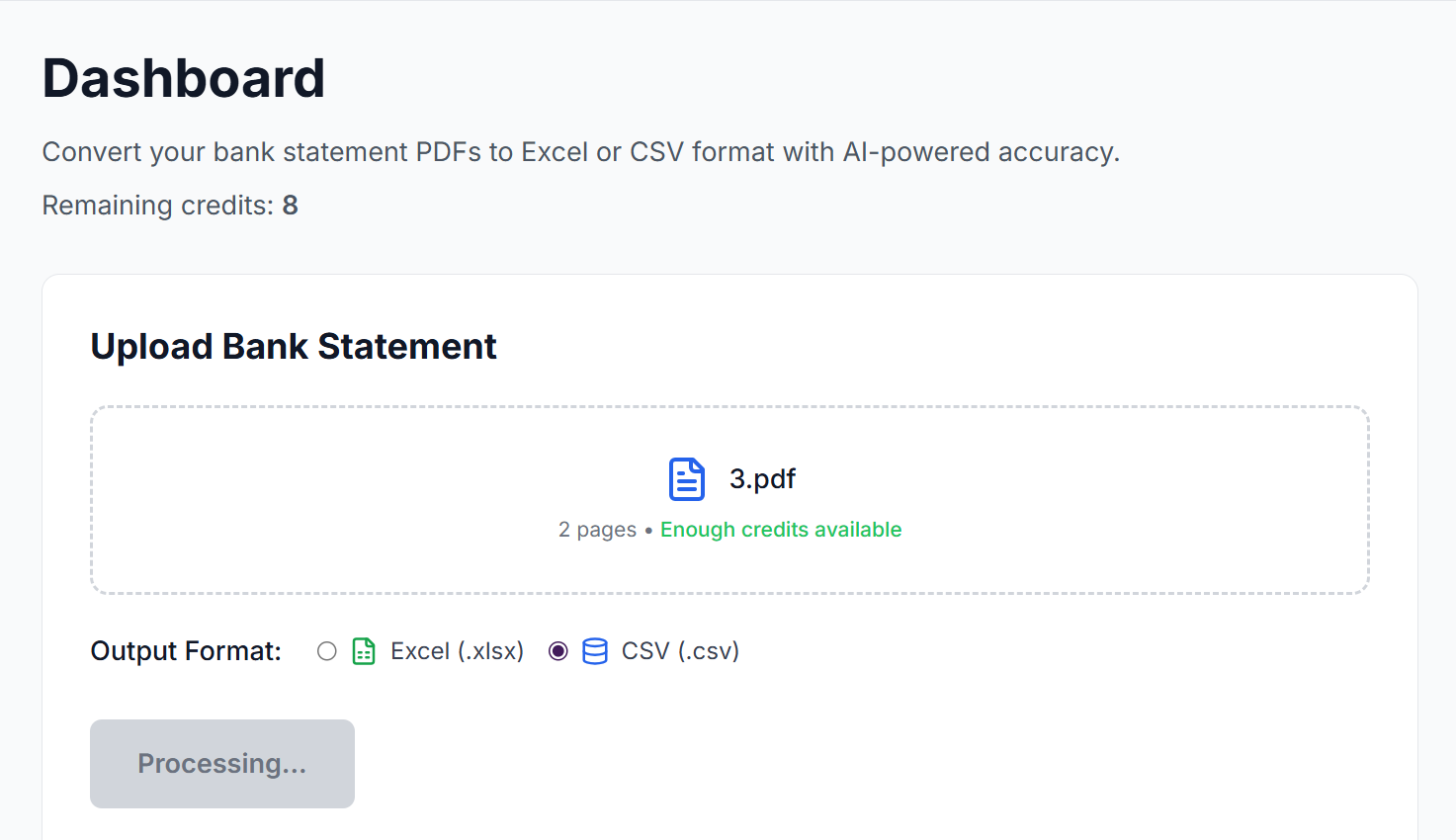
Select output format
Choose Excel, CSV, JSON, Xero CSV, or QuickBooks CSV before conversion.
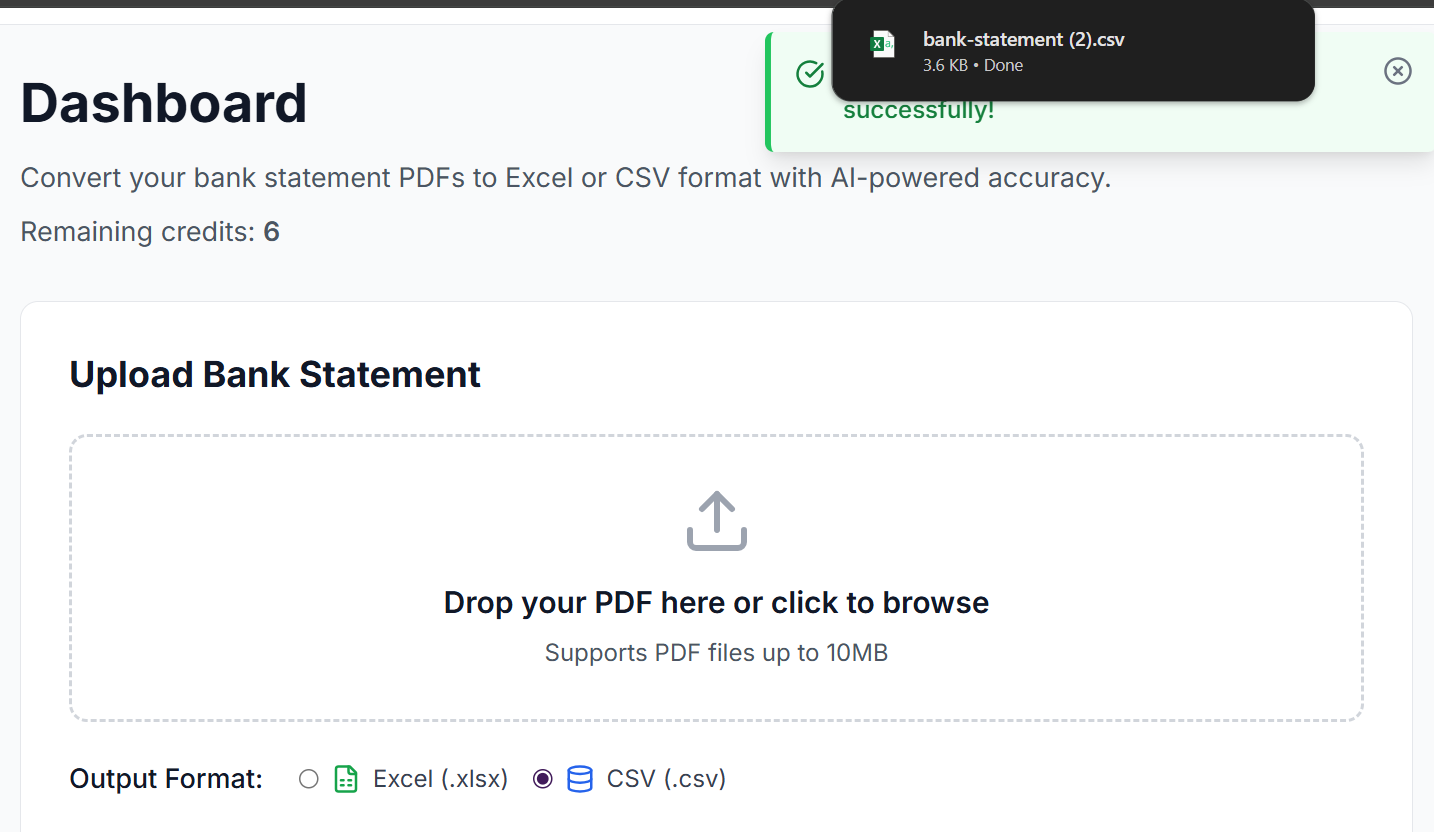
Download clean data
Get a structured file that is ready for review, import, or analysis.
Frequently Asked Questions
Practical answers about converting PDF bank statements with AI.
Yes. Upload your PDF bank statement, select the QuickBooks CSV output, and download a file formatted for QuickBooks import.
Yes. AI Bank Statement supports both QuickBooks 3-column CSV and QuickBooks 4-column CSV exports so you can use the format that matches your workflow.
The converter extracts transaction amounts and structures them into accounting-friendly columns, including separated money-in and money-out values where the selected QuickBooks format requires it.
Ready to Convert Your Statement?
Stop rebuilding bank tables by hand. Upload a PDF and download clean QuickBooks CSV data in seconds.