 ChatGPT
 Claude
 Perplexity
 Grok
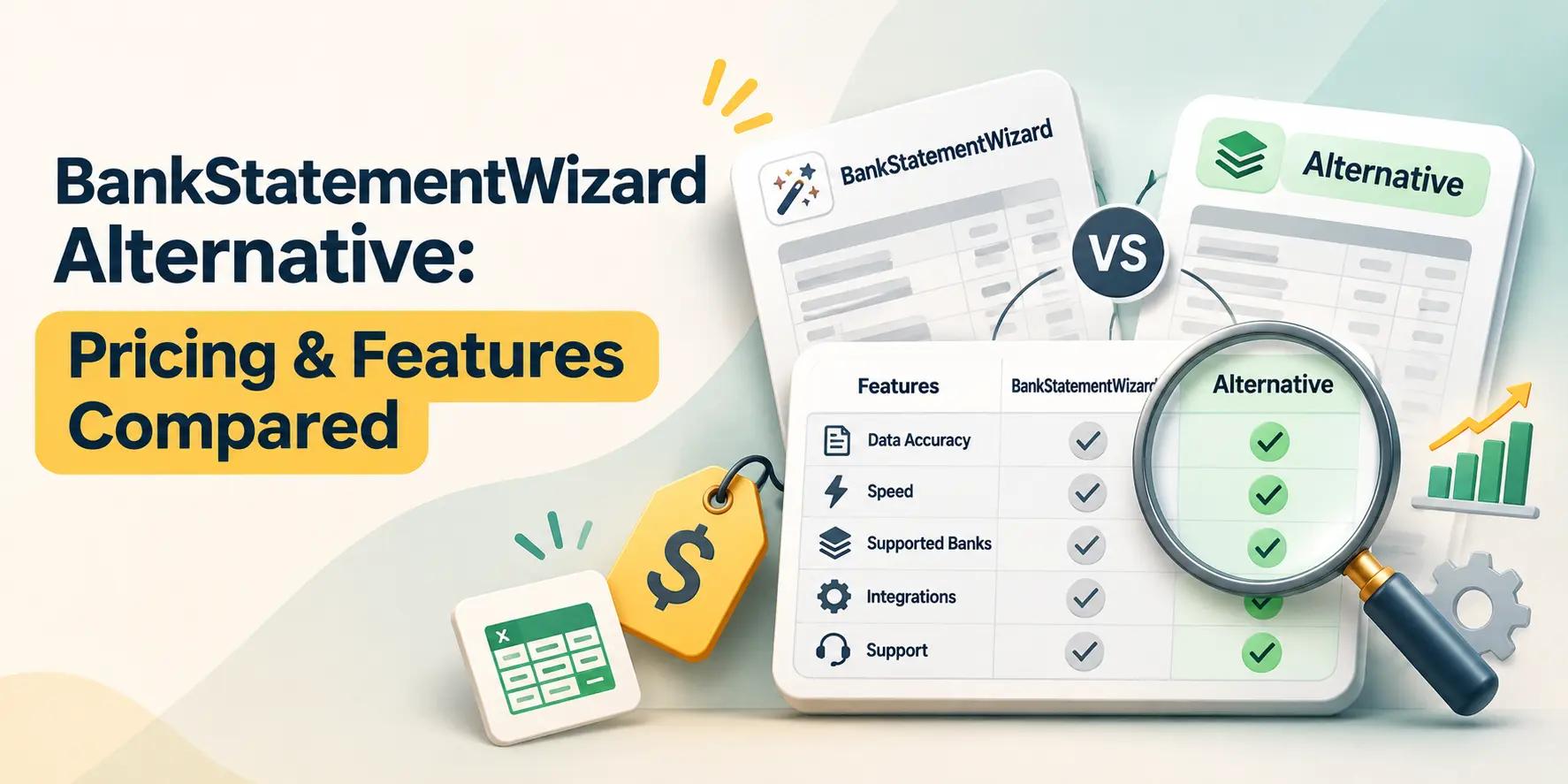
BankStatementWizard is a PDF bank statement converter run by Saritra GmbH, an EU-based company. It converts statements to Excel, CSV and JSON, has a free plan, and checks transactions against the balance. If you're comparing it with other tools, this post sets out where each one fits.
Disclosure: this comparison is published by AI Bank Statement. BankStatementWizard's prices and features were taken from its own website in November 2026. Check its site for current details. The product is at bankstatementwizard.com; similarly named sites are not the same product.
At a glance
| BankStatementWizard | AI Bank Statement | |
|---|---|---|
| Free plan | 10 pages a month | None |
| ~400 pages a month | $30 | $12 (Starter) |
| ~1,000 pages a month | $60 | $24 (Professional) |
| Larger plans | Up to 16,000 pages for $550, then contact | Enterprise on request |
| Outputs | Excel (.xlsx), CSV, JSON | Excel, CSV, JSON, Xero CSV, QuickBooks 3- and 4-column CSV |
| Scanned PDFs | Yes | Yes, with OCR mode |
| Balance check | Automatic reconciliation against the balance | Not built in; check totals against the PDF |
| Spending insights | Daily balance and expense breakdown | No |
| Uploaded files | Not stored beyond your session, per its site | Deleted immediately after processing |
Pricing compared
BankStatementWizard's monthly plans, from its pricing table:
| Pages a month | Monthly price | Approx. cost per page |
|---|---|---|
| 10 | Free | — |
| 400 | $30 | 7.5¢ |
| 1,000 | $60 | 6.0¢ |
| 2,000 | $100 | 5.0¢ |
| 4,000 | $180 | 4.5¢ |
| 8,000 | $300 | 3.75¢ |
| 16,000 | $550 | 3.4¢ |
AI Bank Statement has two plans:
| Plan | Pages a month | Monthly price | Approx. cost per page |
|---|---|---|---|
| Starter | 400 | $12 | 3.0¢ |
| Professional | 1,000 | $24 | 2.4¢ |
So:
- Under 10 pages a month: BankStatementWizard's free plan wins. AI Bank Statement has no free plan.
- Around 400 pages: AI Bank Statement is $12 against $30.
- Around 1,000 pages: AI Bank Statement is $24 against $60.
- Several thousand pages: BankStatementWizard has published plans up to 16,000 pages. AI Bank Statement handles larger volumes through Enterprise, on request.
Both count pages the same way: a 10-page PDF uses 10 pages. See AI Bank Statement pricing for current limits.
Outputs: the bigger difference for bookkeepers
BankStatementWizard exports Excel, CSV and JSON. Its site says the CSV is useful for importing into QuickBooks, Xero or Sage, but those tools each expect a specific layout, so you may need to rearrange columns first.
AI Bank Statement exports the same three formats, plus layouts built for the import screens:
- Xero CSV for Xero's bank statement import
- QuickBooks 3- and 4-column CSV, with day-first dates and zero values left blank, as Intuit recommends
If your work ends in Xero or QuickBooks Online, that saves a reformatting step on every file. If it ends in a spreadsheet, both tools give you Excel.
Not sure which QuickBooks layout you need? See QuickBooks 3-column vs 4-column CSV.
Where BankStatementWizard is stronger
To be fair about it:
- Free plan. 10 pages a month with no card is enough to try it properly, or for very occasional use.
- Automatic balance reconciliation. Its site says it checks every transaction against the balance and flags anything that doesn't add up. With AI Bank Statement you check the opening balance, closing balance and sample rows against the PDF yourself.
- Insights. It shows the daily change in balance and an expense and credit breakdown.
- Published high-volume plans. If you convert 5,000+ pages a month, its pricing table covers that without a sales conversation.
- EU-based. Saritra GmbH says it's an EU company and its service is hosted in the EU, which some firms prefer.
Where AI Bank Statement is stronger
- Lower price at 400 and 1,000 pages. About 2.5 times cheaper at both levels.
- Accounting-ready outputs. Xero CSV and both QuickBooks layouts, not just generic CSV.
- Batch upload. Upload several statements at once on both plans, so a client's year of statements goes in together.
- Built for bookkeepers. Bank guides for the UK, Canada, Australia and the US explain each bank's download limits and when you need to convert the PDF.
Privacy
Both tools say they don't keep your statements. BankStatementWizard says it doesn't store data beyond your session and will delete data on request; AI Bank Statement deletes uploaded files immediately after processing. For a broader checklist, see Is it safe to upload a bank statement to an online converter?
Which should you choose?
Choose BankStatementWizard if:
- you convert fewer than 10 pages a month and want it free
- you want an automatic balance check and spending insights
- you need a published plan for several thousand pages a month
Choose AI Bank Statement if:
- you convert around 400 to 1,000 pages a month and want the lower price
- you import into Xero or QuickBooks Online
- you batch-convert client statements
For the wider market, see the top 10 bank statement converters, or compare with StatementConverter.
FAQs
How much does BankStatementWizard cost? Its pricing table lists $30 a month for 400 pages, $60 for 1,000, $100 for 2,000, $180 for 4,000, $300 for 8,000 and $550 for 16,000, plus a free plan of 10 pages a month. Taxes may apply.
Is BankStatementWizard free? It has a free plan of 10 pages a month, with no credit card required.
Does BankStatementWizard export to QuickBooks or Xero? It exports Excel, CSV and JSON. Its site says the CSV can be used with QuickBooks, Xero or Sage. AI Bank Statement also outputs Xero CSV and QuickBooks 3- and 4-column CSV layouts directly.
Who runs BankStatementWizard? Its site says it's a service by Saritra GmbH, an EU-based company.